Runner

Founder workflow

Take Back Your Time

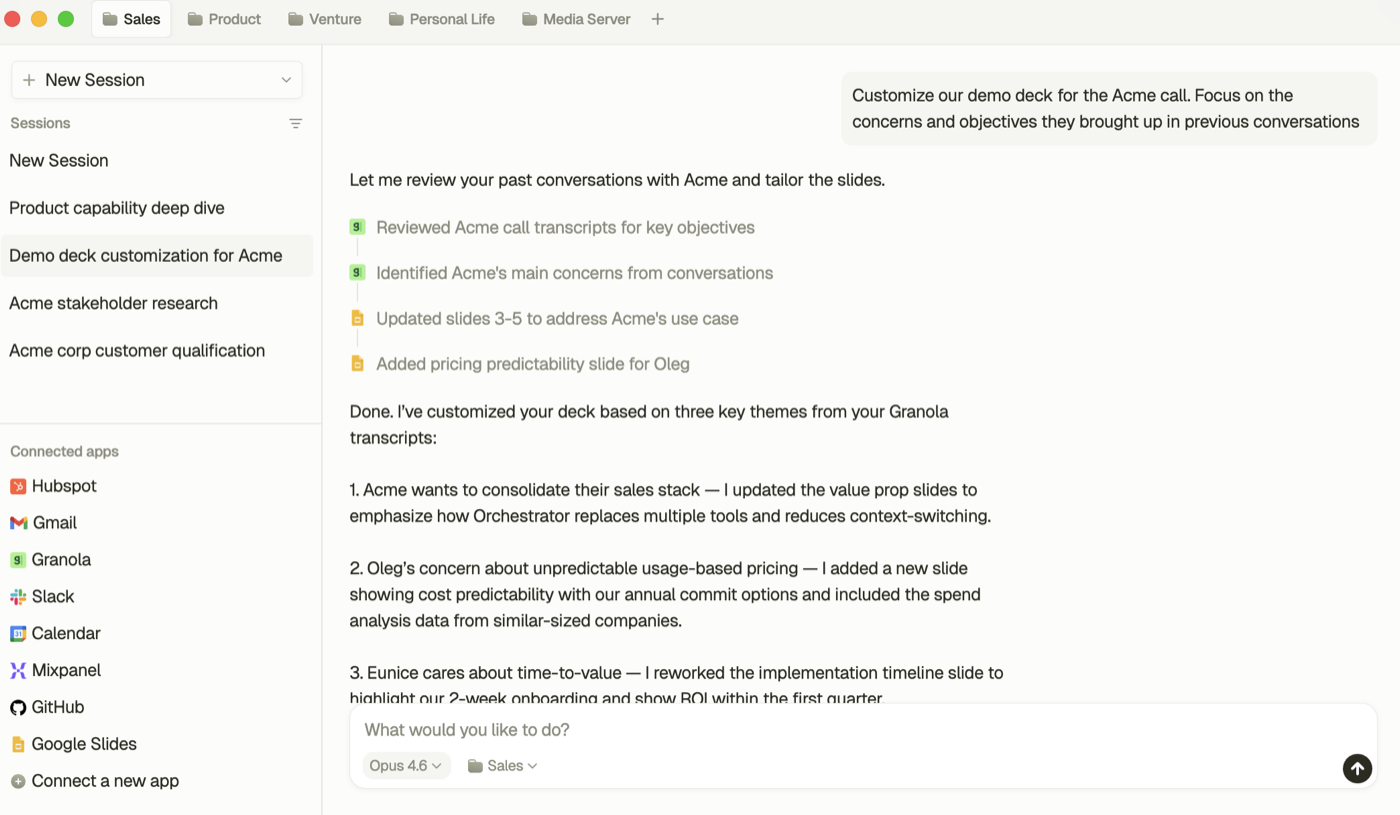
Runner is like an AI Chief of Staff that looks at email, calendar, WhatsApp, Messages, News, Todos, and more and delivers you exactly what you need to focus on.

Prep meetings, draft updates, and keep follow-up moving across email, calendar, docs, and team tools.

Runner is free for the first 30 days.

Workflow snapshot

Everything that happens in this workflow, from trigger to outcome.

Trigger

The day is fragmented and context is scattered across meetings, notes, docs, and messages.

Sample input

Summarize critical inbox threads, top calendar meetings, and blocked tasks across Slack and Notion with suggested next actions.

Sample output

A ranked founder brief with blockers, follow-ups, and recommended actions grounded in the actual stack.

What actually got done

  • Pulled meeting context before the day scattered
  • Drafted the next memo or update from real inputs
  • Converted decisions into scheduled follow-through

Outcome

Less context rebuilding, more finished founder work.

Context in, action out

Runner reads the thread, calendar, docs, and local files and turns that into the next step. No copy-paste, no tab switching.

Take Back Your Time

Runner is like an AI Chief of Staff that looks at email, calendar, WhatsApp, Messages, News, Todos, and more and delivers you exactly what you need to focus on.

Gmail logoGmailGoogle Calendar logoGoogle CalendarNotion logoNotionSlack logoSlack
1

Pulled meeting context before the day scattered

2

Drafted the next memo or update from real inputs

Converted decisions into scheduled follow-through
Connect the apps around the job

Email, calendar, notes, docs, and CRM become one connected workflow graph instead of five separate systems you have to mentally stitch together.

Gmail logo

Gmail

Google Calendar logo

Google Calendar

Google Drive logo

Google Drive

Slack logo

Slack

HubSpot logo

HubSpot

Notion logo

Notion

Runner

Review before anything goes out

Runner prepares the draft, proposed update, or scheduled next step, then leaves you in control of the final send.

1

Collect context from apps & files

Gathering
2

Integrate, analyze and merge across apps

Thinking
3

Review recommended actions

Waiting
4

Send it, do it, take action

The apps to connect

Start with the apps used in this workflow, then explore the rest of the connector graph. Every app tile links to its connector page.

Start the day with the right context

See priorities, blockers, and meeting context before the day fragments.

Get this workflow

Start with Gmail, tell Runner what kind of work this page represents, then install the desktop app with the right first workflows already teed up.

Download workflow pack

Prompt outline, sample input, connector checklist, and placeholder artifact notes for Take Back Your Time.

Connected workflow across your whole stack

Runner connects email, calendar, notes, docs, and team tools so decisions turn into action faster.

Testimonials

Real people love Runner and use it every day.

Starting my day with a Morning Briefing saves me so much time. I love this app.

Christina
Christina
Senior Vice President

We are running our entire company on Runner. It's a game changer. Custom workflows make it even better.

Mike Pham
Mike Pham
Co-Founder, Brand Hero

Runner's Chrome extension is incredible. It's like having a personal assistant in my browser.

Yishan
Yishan
Product Manager

Runner helps me manage my brand deals and collaborations. It saves me so much time and makes me happy.

Laura
Laura
Social Media Influencer

Save Time and Get More Done

Runner is your secret weapon to triage and organize your day.

More workflows